
How to Choose an Industrial Capacitive Touch Screen: 2026 Guide
News
Mar-18-2026
Ever seen a high-end tablet freeze up because a drop of water hit the screen? Now, imagine that happening on a multi-million dollar CNC machine or a critical medical monitor. In the industrial world, a "ghost touch" or a non-responsive display isn't just an annoyance—it's a liability.
If you're wondering how to choose an industrial capacitive touch screen, you've likely realized that consumer-grade tech doesn't cut it. You need hardware that ignores electrical noise, survives high-pressure washdowns, and responds perfectly even if the operator is wearing heavy work gloves.
This guide breaks down the engineering requirements, environmental variables, and technical specifications you need to identify the right display for your application. We'll move past the marketing fluff and look at the actual data points that determine long-term ROI.
Why Projected Capacitive (PCAP) Rules the Factory Floor
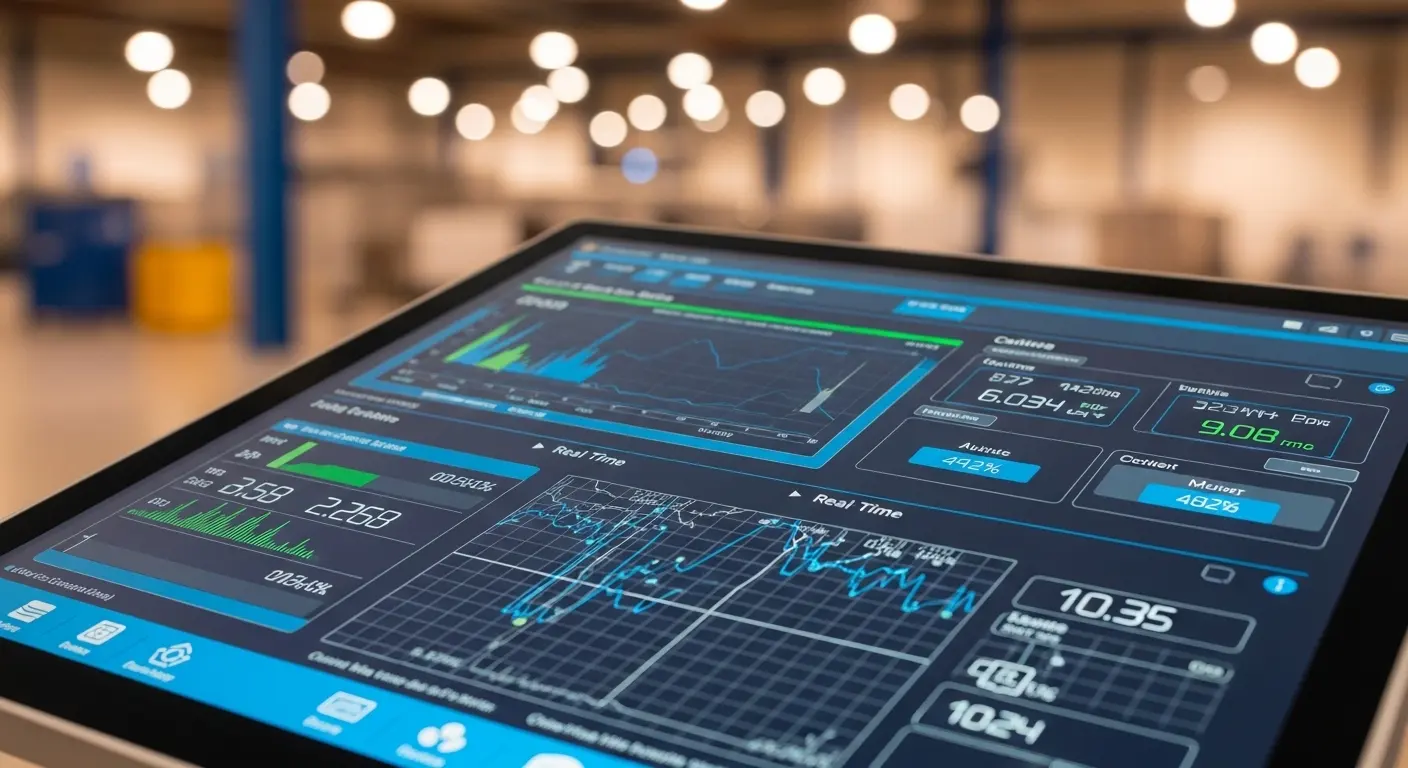
Before you commit to a purchase, you need to understand why PCAP technology has largely replaced resistive screens in modern facilities. While resistive screens rely on physical pressure, capacitive screens use the electrical properties of the human body.
In an industrial setting, this matters because it allows for a "cover lens"—a thick layer of protective glass—to be placed over the sensor. This makes the screen incredibly durable. You get a sleek, flush-front design that's easy to clean and won't wear out after thousands of repetitive touches.
However, choosing the right PCAP isn't just about the glass. It’s about the sensor grid density and the controller’s ability to filter out interference. When you look at capacitive touchscreen manufacturing, you'll see that the quality of the sensor etching determines how precisely the screen can track movement.
For high-precision applications, such as surgical displays or precision machining, a high-density sensor grid is mandatory. It prevents "jitter" and ensures that the machine follows the operator's intent exactly, every single time.
Evaluating Environmental Hardening: IP and IK Ratings
The first question you should ask is: "Where will this screen live?" An indoor kiosk has vastly different needs than a display mounted on an offshore oil rig.
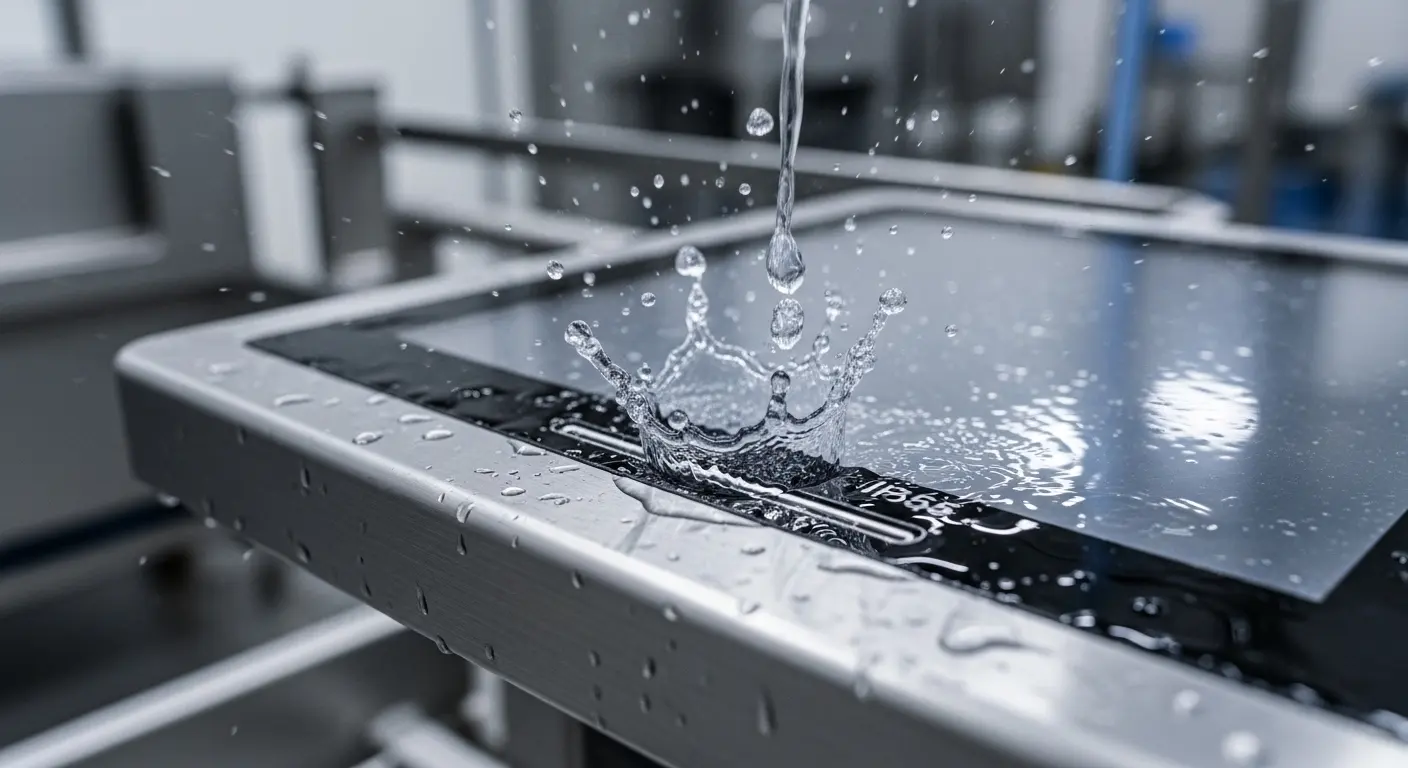
To choose correctly, start with the IP (Ingress Protection) rating. For most indoor industrial environments, an IP65-rated front bezel is the standard. This means it’s protected against dust and low-pressure water jets. However, if your equipment undergoes steam cleaning or high-pressure hosing—common in food processing—you’ll need to step up to IP69K.
Next, consider the IK (Impact Protection) rating. Industrial environments are prone to accidents. Tools drop, and operators can be forceful. A screen with an IK08 or IK10 rating uses chemically strengthened glass (often Gorilla Glass or similar) that can withstand significant kinetic energy without shattering.
By selecting the right industrial capacitive touchscreen, you ensure the unit doesn't become a point of failure in a high-stress environment. Investing in a thicker cover lens (3mm to 6mm) provides that physical barrier, but it also requires a more powerful touch controller to "punch through" the glass thickness.
Ensuring Sunlight Readability
A touch screen is useless if the operator can't see the data. Standard office monitors usually offer 250 to 300 nits of brightness. In a well-lit factory or an outdoor environment, that screen will look like a mirror.
For true industrial performance, you need to evaluate three optical factors:
- High Brightness (Nits): If your screen is near a window or outdoors, you need at least 1,000 nits. This ensures the backlight can compete with ambient light.
- Surface Treatments: Look for Anti-Glare (AG) or Anti-Reflective (AR) coatings. AG coatings scatter reflected light, which is great for reducing overhead lamp glare. AR coatings use destructive interference to "cancel out" reflections, maintaining high contrast.
- Optical Bonding: This is the "secret sauce" for high-end displays. Standard screens have an air gap between the LCD and the touch glass. Optical bonding fills that gap with a clear resin.
Why does bonding matter? It eliminates internal reflections, prevents condensation (fogging) inside the screen, and makes the whole assembly much more resistant to vibration. It’s a non-negotiable feature for marine or outdoor applications.
Solving the Glove and Water Challenge
The biggest criticism of capacitive technology used to be that it didn't work with gloves or in the rain. That’s no longer true, provided you choose the right controller and firmware.
When you're sourcing from a capacitive touch screen supplier, ask specifically about their firmware tuning. Modern controllers, like those from EETI or ILITEK, can be programmed with specific "profiles."
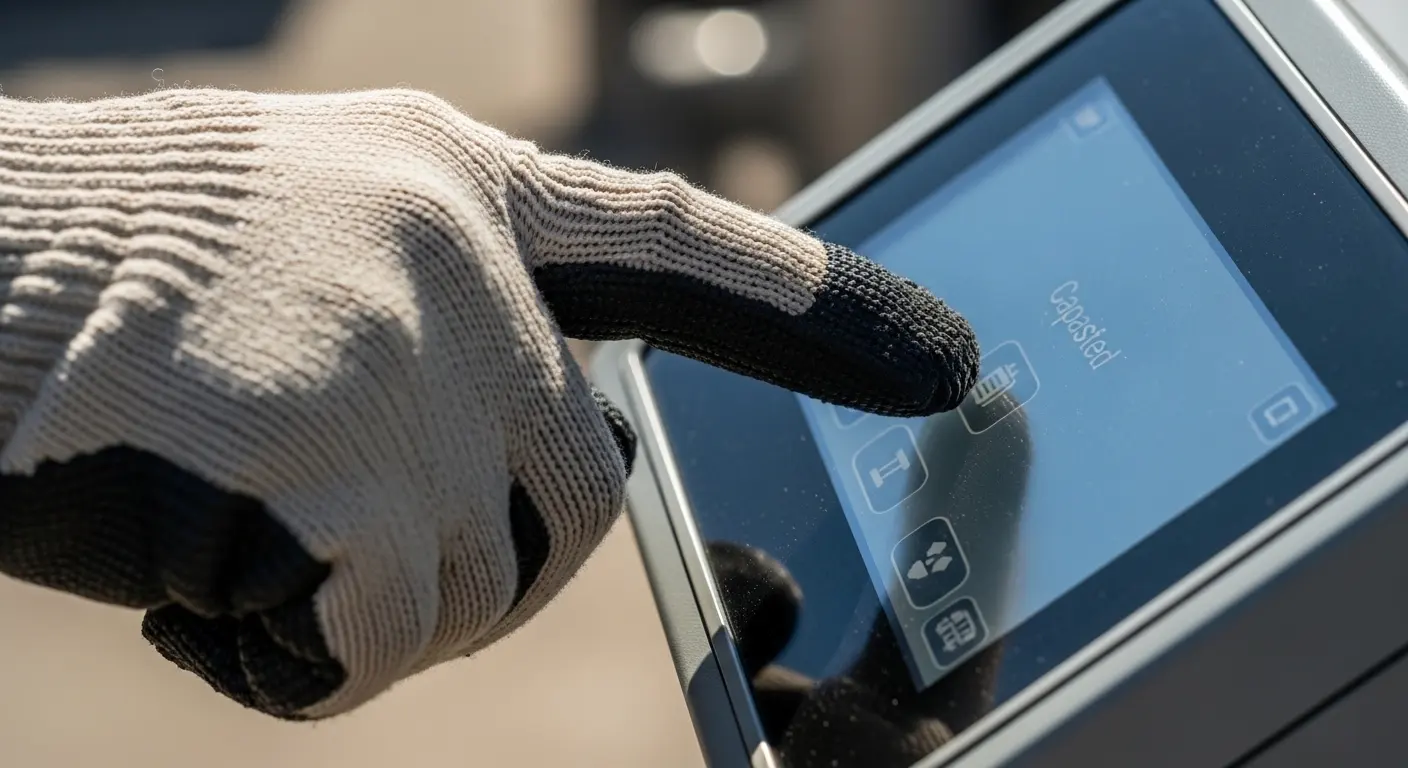
For example, a "Water Rejection" profile allows the controller to distinguish between a stationary pool of water and a moving finger. It calculates the capacitance change over a wider area to ignore the water. Similarly, a "Glove Mode" increases the sensitivity of the sensor grid, allowing it to detect a finger even through thick latex, nitrile, or heavy work gloves.
If your team works in a cold storage facility or a chemical plant, you must test these profiles during the prototyping phase. A "one-size-fits-all" screen will likely fail when it gets wet or when the operator puts on safety gear.
Mechanical Integration and Connectivity
How you mount the screen is just as important as the screen itself. You generally have three choices:
- Panel Mount: The screen drops into a cutout in a cabinet. This is perfect for maintaining a clean, waterproof seal on the front of a control panel.
- Open Frame: These are designed to be integrated into a custom enclosure. They give you the most flexibility but require your own housing design.
- VESA Mount: The classic bracket mount, ideal for arms or stands.
Connectivity also requires a long-term strategy. While USB is the standard for touch data, some industrial PLC (Programmable Logic Controller) systems still require RS232 or I2C interfaces. Ensure your touch display module supports the specific interface your controller uses.
Don't forget the physical dimensions. Standard capacitive touch screen sizes range from 7 inches to 55 inches, but industrial projects often have very specific footprint requirements. Check the CAD drawings for the "active area" versus the "outer dimensions" to ensure it actually fits your existing machinery.
Addressing EMI and EOL
Let’s talk about the two things that kill industrial projects: Electrical noise and product discontinuation.
Electromagnetic Interference (EMI) is rampant in factories. Large motors and high-voltage lines create "noise" that can trick a touch screen into thinking it's being touched. High-quality industrial screens include shielding and specialized controllers that filter out this noise. If your screen is going near a large motor or a welder, you need a controller with a high Signal-to-Noise Ratio (SNR).
End of Life (EOL) management is the other silent killer. Unlike the consumer market, where a phone is replaced every two years, industrial machines often have a 10-year lifespan. If your touch screen supplier changes the dimensions or the connector of their screen next year, your whole production line is in trouble.
Always choose a supplier that offers a "long-term availability" guarantee. You need a partner who will maintain the same form, fit, and function for at least five to seven years. This stability is what separates a professional industrial partner from a generic electronics vendor.
Choosing for Specific Sectors: Warehouse and Logistics
If you're selecting hardware for a warehouse management touch screen, your priorities shift toward durability and vibration resistance. These screens are often mounted on forklifts or picking carts.
In these scenarios, the vibration can cause standard connectors to wiggle loose over time. Look for locking connectors and ruggedized housings. The screen needs to handle the constant "jolts" of a forklift moving over warehouse floor seams while maintaining a consistent connection to the central database via Wi-Fi or LTE.
How do I choose the right industrial touch screen?
To choose the right industrial capacitive touch screen, follow this checklist:
- Define the Environment: Is it wet, dusty, or outdoor? (Requires IP65+, 1000+ nits).
- Determine the Operator's Needs: Will they wear gloves? (Requires firmware tuning).
- Assess Impact Risk: Is it a public kiosk or a factory floor? (Requires IK08+ rated glass).
- Check Longevity: Will the supplier support this model for 5+ years?
- Verify Mounting: Does the panel mount or open frame fit your existing chassis?
Frequently Asked Questions
Does capacitive touch work with gloves?
Yes, industrial-grade capacitive touch screens work with gloves if they have a specialized controller tuned for high sensitivity. Most modern industrial screens support thin nitrile or latex gloves out of the box and can be tuned for heavy work gloves.
Is capacitive touch better than resistive for industrial use?
Capacitive touch is generally better for durability and multi-touch functionality. It uses a glass front that doesn't wear out. However, resistive touch is still used in very specific high-EMI environments or where cost is the only factor.
What is optical bonding in touch screens?
Optical bonding is the process of gluing the touch screen glass to the LCD panel using a specialized adhesive. This eliminates the air gap, reduces reflections, prevents internal fogging, and increases the screen's resistance to shocks and vibrations.
How do I prevent ghost touches on my screen?
Ghost touches are usually caused by electrical noise (EMI) or moisture. To prevent them, choose a screen with an industrial-grade controller (like EETI) and ensure the device is properly grounded.
What is the difference between AG and AR coatings?
Anti-Glare (AG) uses a microscopic texture to scatter light and reduce reflections. Anti-Reflective (AR) uses a chemical coating to let more light pass through, which increases contrast and makes the screen easier to read in direct sunlight.
The Bottom Line
Choosing an industrial display isn't about finding the cheapest panel; it's about finding the one that won't fail when your production line is running at 100% capacity. By focusing on the controller quality, the optical bonding, and the environmental ratings, you’re not just buying a screen—you’re buying uptime.
If you’re ready to spec out your next project, look at a partner who understands the nuances of the factory floor. Whether you need a custom size or a specific high-brightness configuration, the right engineering choice today prevents a massive headache tomorrow.
Ready to find the perfect display for your application? Explore our range of industrial capacitive touchscreens or contact our engineering team to discuss a custom solution tailored to your environment.
Related Topics

Industrial Touch Display Technology Trends in the Era of Industry 4.0
Aug-07-2026

Touch Panel Selection Guide for Industrial, Outdoor, and Commercial Applications
Aug-07-2026

How to Choose the Right Touch Display Solution for Your Project
Aug-07-2026

How to Choose an Industrial Capacitive Touch Screen: 2026 Guide
Aug-07-2026
Get a Free Quote
✔ 16 Years Manufacture Service ★★★★★
✔ 3 Technical Experts And 52+ Project Engineers Will Assiste You
✔ Wanty Employs Over 52 Engineers, Many Of Whom Come From Leading Tft Lcd Module Companies Such As Tianma And Boe-Varitronix. Each Core Team Member Brings 15 Years Of Industry Experience.
✔ If you would like more information about our products and services, please contact us. Whether you need a standard solution or a customized one, we are here to meet your needs.
✔ Please complete the form below, and the selected location will contact you promptly. Thank you for visiting, and have a great day!
