
21.5 Inch Capacitive Touch Screen: The Definitive 2026 Guide
News
Mar-16-2026
A 21.5 inch capacitive touch screen represents the pinnacle of large-format human-machine interfaces (HMI) for professional and industrial applications. This specific size has become the global standard for high-definition kiosks, medical diagnostic consoles, and factory floor monitoring systems. By leveraging Projected Capacitive (PCAP) technology, these screens provide a seamless, multi-touch experience that mirrors the responsiveness of modern smartphones at a much larger scale. As hardware demands evolve in 2026, understanding the technical nuances of these displays is critical for ensuring long-term project reliability and user satisfaction.
In my years of auditing hardware deployments, I have observed that the 21.5-inch form factor is the "sweet spot" for data-heavy environments. While a 15.6 inch touch screen is excellent for compact terminals, the 21.5-inch widescreen offers the necessary real estate for complex, side-by-side data visualization. Choosing the right panel determines whether your interface feels like a professional tool or a frustrating bottleneck.
What is a 21.5 inch capacitive touch screen?
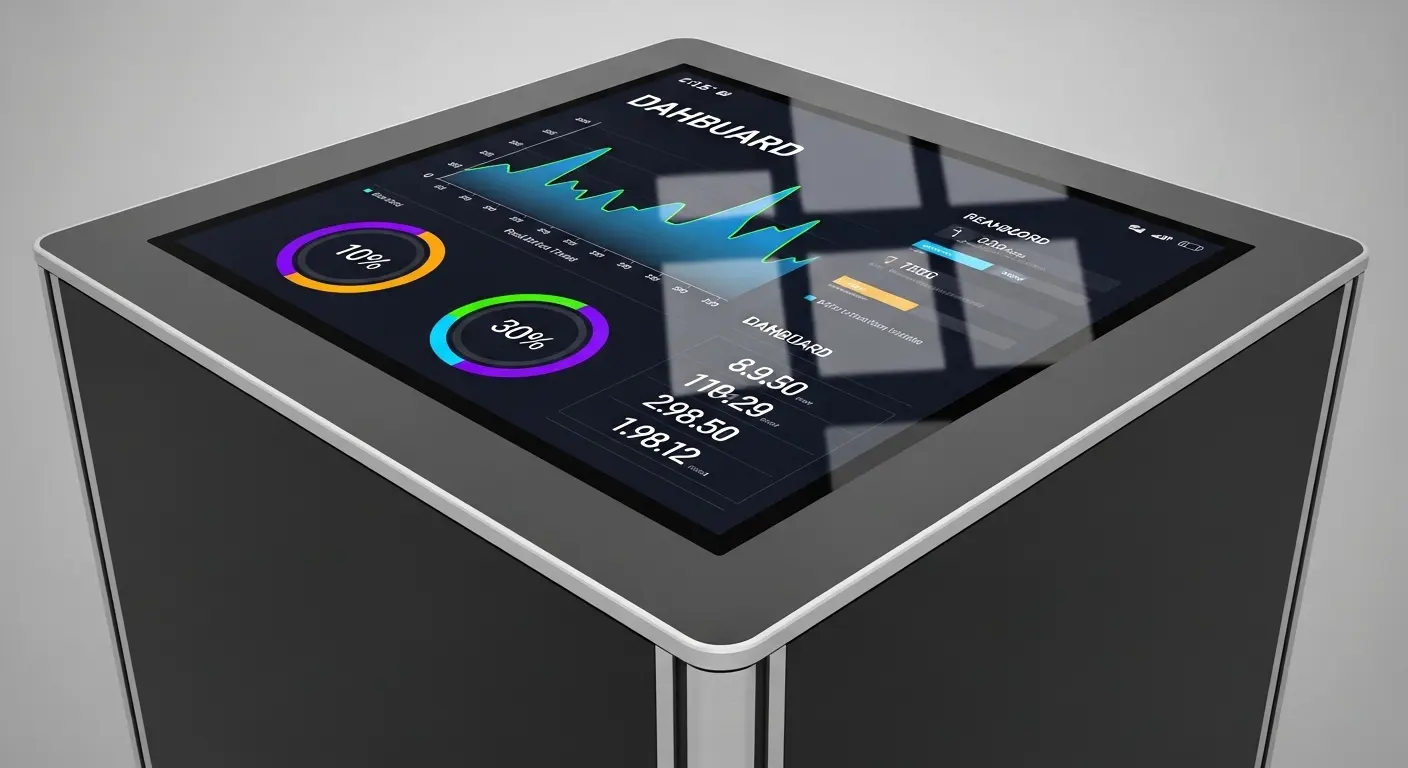
A 21.5 inch capacitive touch screen is a high-resolution interactive display that utilizes an electrostatic grid to detect touch through a protective glass layer. It features 10-point multi-touch capabilities, Full HD (1920x1080) resolution, and a durable glass-on-glass construction. This technology allows for fluid gestures like swiping and zooming, making it ideal for high-traffic public kiosks and sophisticated industrial control panels.
When we examine the anatomy of a 21.5 inch touch screen, we are looking at three primary components: the cover lens, the sensor grid, and the controller IC. Unlike older resistive technology that required physical pressure, capacitive screens respond to the electrical charge of the human finger. This lack of moving parts means the screen does not wear out over time.
I remember a project for a major retail chain where they initially used resistive screens for their self-checkout kiosks. Within months, the plastic overlays were scratched and "cloudy." We replaced them with 21.5-inch PCAP units. The visual clarity remained perfect after three years of heavy use, and the "ghost touches" caused by cleaning fluids disappeared entirely.
Why choose the 21.5-inch form factor for industrial HMI?
The 21.5-inch form factor is chosen for industrial HMI because it provides a Full HD widescreen aspect ratio that maximizes data density and operator visibility. It allows engineers to display complex machine schematics and real-time analytics simultaneously without clutter. Its size fits perfectly into standard industrial workstations and VESA-compliant mounts, offering a familiar, desktop-class experience for technical operators.
In industrial settings, "good enough" is a liability. Operators often need to see fine details in a blueprint or monitor dozens of sensors at once. A smaller 15 inch capacitive touch screen might force the user to scroll or toggle between screens, which increases the risk of error. The 21.5-inch display eliminates this friction by providing enough space for a comprehensive dashboard.
| Feature | 21.5 Inch PCAP | 15.6 Inch PCAP |
| Typical Resolution | 1920 x 1080 (FHD) | 1366 x 768 / 1920 x 1080 |
| Screen Area | ~185 square inches | ~103 square inches |
| Best Use Case | Stationary Kiosks / Medical | Handhelds / Small Terminals |
| User Experience | Desktop-class multi-window | Mobile-class single-window |
How does Projected Capacitive (PCAP) technology work?
Projected Capacitive (PCAP) technology works by projecting an electrostatic field through the protective cover glass using a grid of microscopic electrodes. When a conductive object, like a finger, enters this field, it causes a local change in capacitance. The controller IC scans the grid, detects these changes at specific X and Y coordinates, and translates them into precise touch commands.
This "projection" is what allows the screen to work through thick glass or even gloves. I often explain to clients that the sensor is essentially "looking" through the glass. This is a massive advantage over resistive tech. You can place a 6mm thick piece of tempered glass over a 21.5 inch touch screen for vandal resistance, and it will still respond perfectly.
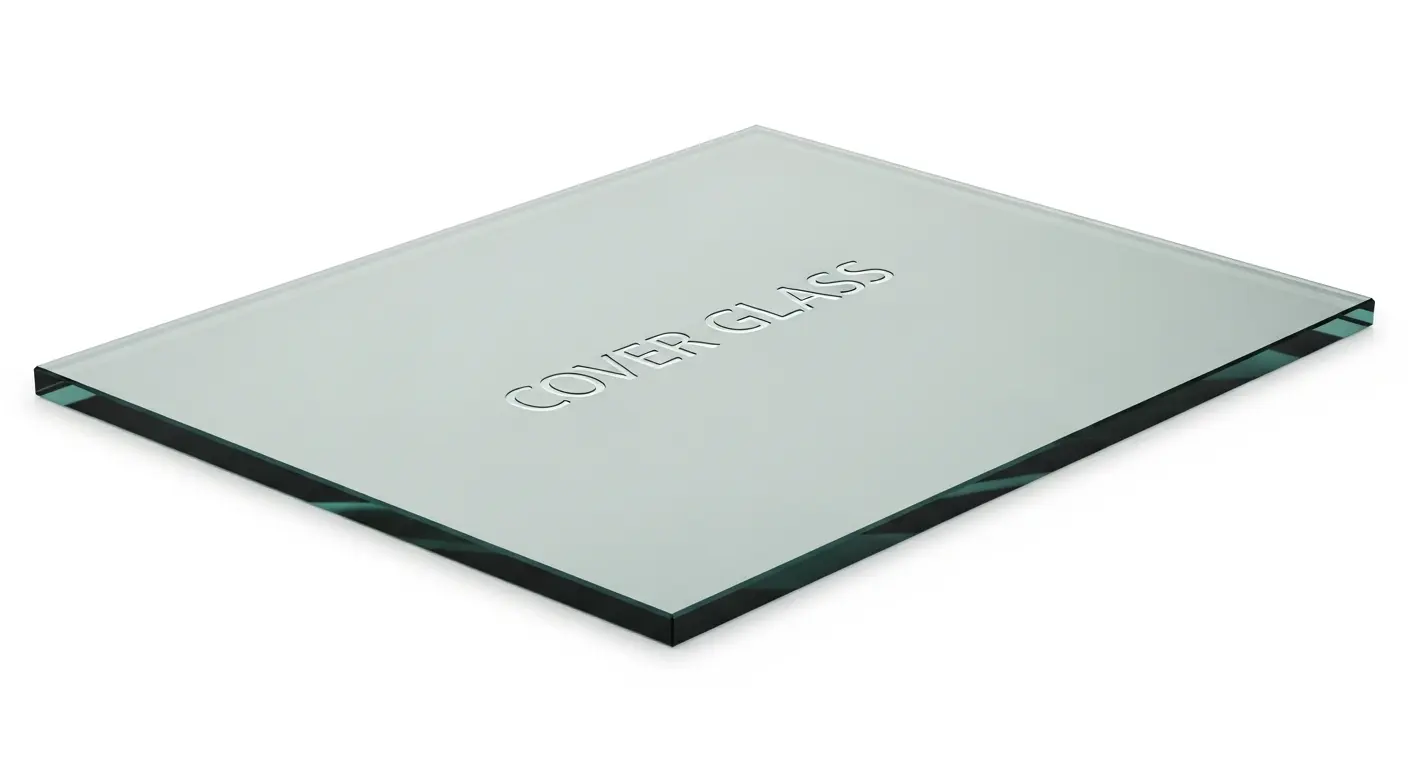
The Sensor Grid Stackup:
- Cover Lens: Protects the internal components from scratches and chemicals.
- Optically Clear Adhesive (OCA): Bonds the layers to ensure maximum transparency.
- Sensor Glass: Contains the Indium Tin Oxide (ITO) grid that tracks the touch.
- Controller IC: Filters out electrical noise and calculates the touch points.
What are the critical technical specifications for large-format touch screens?
Critical technical specifications for a 21.5 inch capacitive touch screen include a 16:9 aspect ratio, a brightness rating of at least 250-400 nits, and a high contrast ratio. For industrial use, the screen should support 10-point multi-touch and feature a USB or I2C interface. Additionally, verify the surface hardness (typically 6H-7H) and the operating temperature range (usually -20°C to +70°C).
If you are deploying these screens in a bright office or a factory with overhead fluorescent lighting, you must pay attention to the "Transparency" and "Haze" ratings. A high-quality panel will offer over 85% light transmission.
| Specification | Industrial Requirement | Standard Requirement |
| Touch Points | 10 Points (Multi-touch) | 2 Points (Single/Dual) |
| Transparency | >85% | 80% |
| Response Time | <10ms | <25ms |
| Interface | USB (HID) / I2C | USB Only |
| Operating Life | >50 Million Touches | >1 Million Touches |
How to customize a 21.5 inch capacitive touch screen for specific environments?
You can customize a 21.5 inch capacitive touch screen by adding specialized surface coatings like Anti-Glare (AG), Anti-Reflection (AR), or Anti-Fingerprint (AF). Additionally, you can specify custom cover glass thicknesses for impact resistance or silk-screened branding on the borders. Firmware tuning is also available to ensure the screen works with industrial gloves or in wet environments where water droplets might cause interference.
I recently consulted for a medical equipment manufacturer building an interactive diagnostic station. They needed the screen to be easy to sanitize without leaving streaks. We provided a custom capacitive touch screen with an AF coating and a flush-mounted design. This allowed staff to wipe the entire front surface in one motion, meeting strict hygiene standards.
Popular Customization Options:
- Anti-Glare (AG): Scatters light to reduce reflections in bright rooms.
- Anti-Reflection (AR): Uses thin-film coating to increase transparency and sunlight readability.
- Chemical Strengthening: Increases the glass's resistance to impact and thermal shock.
- Water Rejection Firmware: Prevents moisture from triggering false touches.
What is optical bonding and why is it necessary for large screens?
Optical bonding is a process that fills the air gap between the touch sensor and the display panel with a clear resin (OCR) or adhesive (OCA). This process eliminates internal reflections, improves contrast by up to 400%, and prevents moisture or dust from entering the display assembly. It also makes the screen significantly more resistant to physical impact and vibration.
In my experience, skipping optical bonding on a 21.5-inch screen is a mistake for any outdoor or high-humidity application. Without it, the air gap can act as a greenhouse, trapping condensation and rendering the screen unreadable.
Tip: If your device will be used in a "cold start" environment (like a walk-in freezer or an outdoor terminal), optical bonding is mandatory to prevent internal fogging.
In which industries is the 21.5-inch screen most effective?
The 21.5-inch screen is most effective in medical diagnostics, retail self-service kiosks, and high-end industrial automation. In hospitals, it provides the resolution needed for reviewing X-rays and MRI scans. In retail, it offers an engaging interface for product customization and checkout. In factories, it serves as a central control hub for monitoring entire production lines.
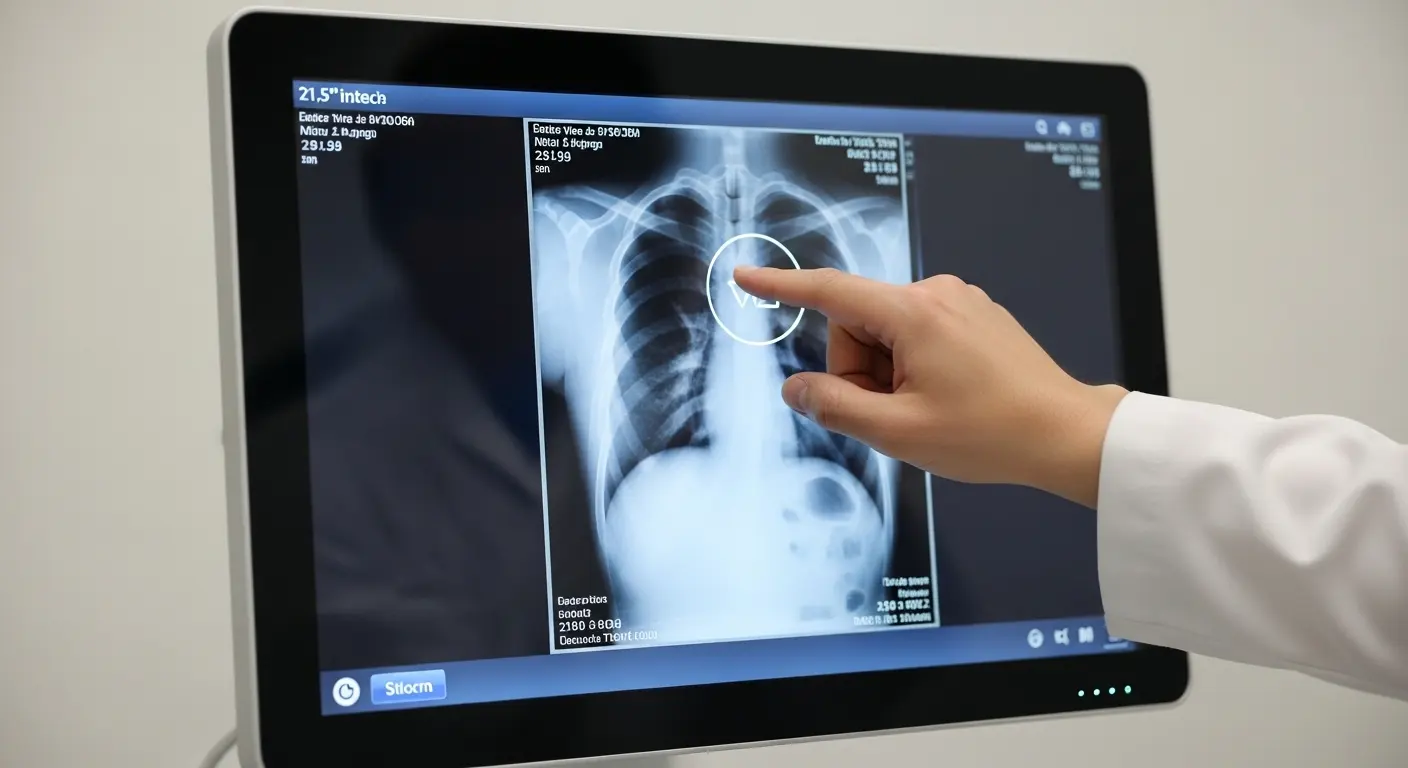
- Medical: Large screens allow for multiple data streams—vitals, charts, and imagery—to be visible at once.
- Retail: 21.5 inches is the "standard" for large-format interactive kiosks due to its ergonomic height and width.
- Smart Cities: Used in wayfinding stations and digital signage due to its robust glass surface.
- Gaming/Leisure: High-speed response times make it a favorite for interactive casino games and digital tabletops.
How to integrate a 21.5-inch touch panel into your enclosure?
Integrating a 21.5-inch touch panel requires a "flush mount" or "open frame" design where the cover glass is either flush with the surface or protected by a small bezel. You must ensure the FPC (Flexible Printed Circuit) cable is not under tension and that the touch controller is properly grounded to the chassis to prevent EMI interference. Most modern panels use a USB HID interface for "plug-and-play" compatibility.
One common integration error I see is "tight bezel" syndrome. If the metal housing applies too much physical pressure to the edges of the glass, it can distort the electrostatic field and cause "ghost touches."
- Verify the Cutout: Ensure the mechanical drawing matches your panel precisely.
- Grounding: Attach the controller's ground to the system's common ground to avoid "jitter."
- Sealing: Use an IP65-rated gasket if the device will be exposed to dust or water spray.
- Driver Setup: For Windows/Linux, the USB HID driver should be recognized automatically.
How to troubleshoot common touch screen issues?
To troubleshoot a 21.5 inch capacitive touch screen, first check the grounding and the power supply stability. Jittery or erratic touch points are often caused by electrical noise from nearby high-voltage components. If the screen is unresponsive, check for firmware conflicts or physical damage to the FPC cable. Most large-format panels come with a diagnostic utility that allows you to visualize the sensor grid and identify dead zones.
- Issue: Ghost Touches. - Solution: Clean the screen. If persistent, check for EMI noise or moisture trapped under the bezel.
- Issue: Accuracy Shift. - Solution: Run the OS calibration tool. Ensure the "Touch Input" settings match the screen resolution.
- Issue: No Touch Response. - Solution: Check the USB cable. Ensure the controller IC is receiving the correct voltage (typically 5V for USB).
Tip: If you are using the screen in a factory, use shielded USB cables. Unshielded cables can pick up noise from electric motors, leading to erratic touch performance.
Final Thought: Scaling Your Interface Strategy
As we move toward a more interactive world in 2026, the 21.5 inch capacitive touch screen remains the foundation for large-scale user engagement. Its ability to provide a high-resolution, multi-touch interface makes it an indispensable tool for engineers and designers. Whether you are building a life-saving medical device or a high-traffic retail kiosk, prioritizing high-quality PCAP technology and specialized surface treatments is the only way to ensure your product stands the test of time.
By focusing on a custom capacitive touch screen strategy, you can overcome environmental challenges and provide an interface that is as durable as it is intuitive. The right touch screen doesn't just display data; it builds trust between the user and the machine.
Related Topics

Industrial Touch Display Technology Trends in the Era of Industry 4.0
Aug-07-2026

Touch Panel Selection Guide for Industrial, Outdoor, and Commercial Applications
Aug-07-2026

How to Choose the Right Touch Display Solution for Your Project
Aug-07-2026

How to Choose an Industrial Capacitive Touch Screen: 2026 Guide
Aug-07-2026
Get a Free Quote
✔ 16 Years Manufacture Service ★★★★★
✔ 3 Technical Experts And 52+ Project Engineers Will Assiste You
✔ Wanty Employs Over 52 Engineers, Many Of Whom Come From Leading Tft Lcd Module Companies Such As Tianma And Boe-Varitronix. Each Core Team Member Brings 15 Years Of Industry Experience.
✔ If you would like more information about our products and services, please contact us. Whether you need a standard solution or a customized one, we are here to meet your needs.
✔ Please complete the form below, and the selected location will contact you promptly. Thank you for visiting, and have a great day!
