
15.6 Inch Capacitive USB Touch Screen: The Definitive 2026 Guide
News
Mar-16-2026
A 15.6 inch capacitive usb touch screen is the premier choice for modern industrial interfaces, retail kiosks, and medical diagnostic equipment. This widescreen form factor provides the perfect 16:9 aspect ratio for high-definition data visualization and intuitive user interaction. As hardware demands evolve in 2026, the shift from traditional resistive screens to Projected Capacitive (PCAP) technology has become a necessity for professional reliability. Selecting the right touch solution determines your device's durability and its ability to function in high-traffic or harsh environments.
What is a 15.6 Inch Capacitive USB Touch Screen?
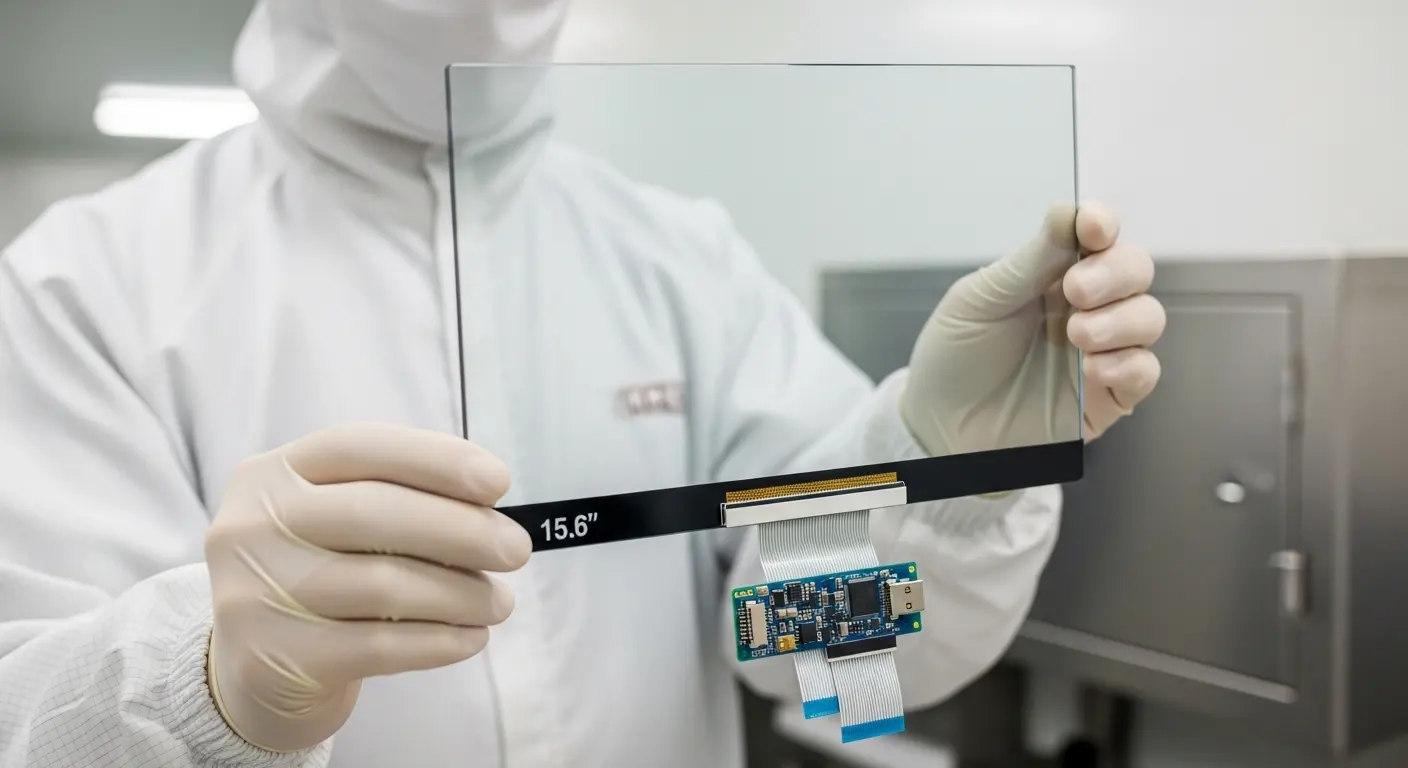
A 15.6 inch capacitive usb touch screen is a high-sensitivity interface that detects touch via electrical field changes rather than physical pressure. It utilizes Projected Capacitive (PCAP) technology to support 10-point multi-touch gestures. The USB interface provides "plug-and-play" connectivity, allowing the panel to integrate seamlessly with Windows, Linux, and Android systems without complex driver installations.
In my experience helping clients with retail kiosk projects, the move to a 15.6 inch touch screen often marks a turning point in user satisfaction. Older resistive technology required hard presses that felt dated and unreliable. A modern capacitive panel responds to the lightest touch, exactly like a high-end smartphone.
These panels consist of a cover glass, a sensor layer, and a controller IC. When a conductive object, like a finger, touches the surface, it distorts the local electrostatic field. The controller then triangulates the exact coordinates of this touch with sub-millimeter precision.
Why is the 15.6-Inch Form Factor Ideal for Industrial HMI?
The 15.6-inch form factor is ideal because its 16:9 aspect ratio matches the widescreen standards of modern software and operating systems. It offers a larger active area than a 15 inch capacitive touch screen, allowing for complex dashboards without increasing bulk. This size fits perfectly into standard industrial enclosures while providing the resolution necessary for detailed technical schematics and real-time monitoring.
Industrial environments demand space efficiency. I recently consulted for a factory upgrading their control rooms. They found that the widescreen 15.6-inch panels allowed them to display side-by-side data feeds that were impossible on older 4:3 monitors.
- Optimal Resolution: Most 15.6-inch panels support 1920x1080 (Full HD).
- Widescreen Efficiency: Better for multi-window industrial applications.
- Standard Mounting: Compatible with VESA mounts and standard cabinet cutouts.
How Does the USB Interface Simplify Integration?
The USB interface simplifies integration by utilizing Human Interface Device (HID) protocols, making the touch screen immediately recognizable by most operating systems. This "plug-and-play" capability eliminates the need for manual driver configuration. It allows engineers to focus on software development rather than hardware communication layers. USB connectivity also supports fast data transfer for low-latency touch response.
I recall a project where the engineering team was bogged down by serial communication protocols on an older model. We switched to a USB-based 15.6 inch touch screen, and the hardware setup time dropped from hours to seconds.
Benefits of USB Connectivity:
- Broad Compatibility: Works with Windows 10/11, Linux kernels, and Android.
- Ease of Maintenance: If a panel needs replacement, it is as simple as swapping a cable.
- Power Supply: Small-format controllers can sometimes draw power directly from the USB bus.
Why is PCAP Technology Better Than Resistive?
PCAP technology is better than resistive because it offers superior optical clarity, multi-touch support, and extreme durability. Since capacitive screens use a solid glass front, they do not wear out from physical friction. They resist scratches, moisture, and chemicals, whereas resistive screens rely on a soft plastic film that degrades quickly in professional or high-traffic settings.
| Feature | Capacitive (PCAP) | Resistive |
| Durability | Extremely High (Glass Surface) | Moderate (Plastic Film) |
| Multi-Touch | Yes (10-point standard) | No (Single touch only) |
| Clarity | >85% Transparency | ~75% Transparency |
| Longevity | Millions of touches | Thousands of touches |
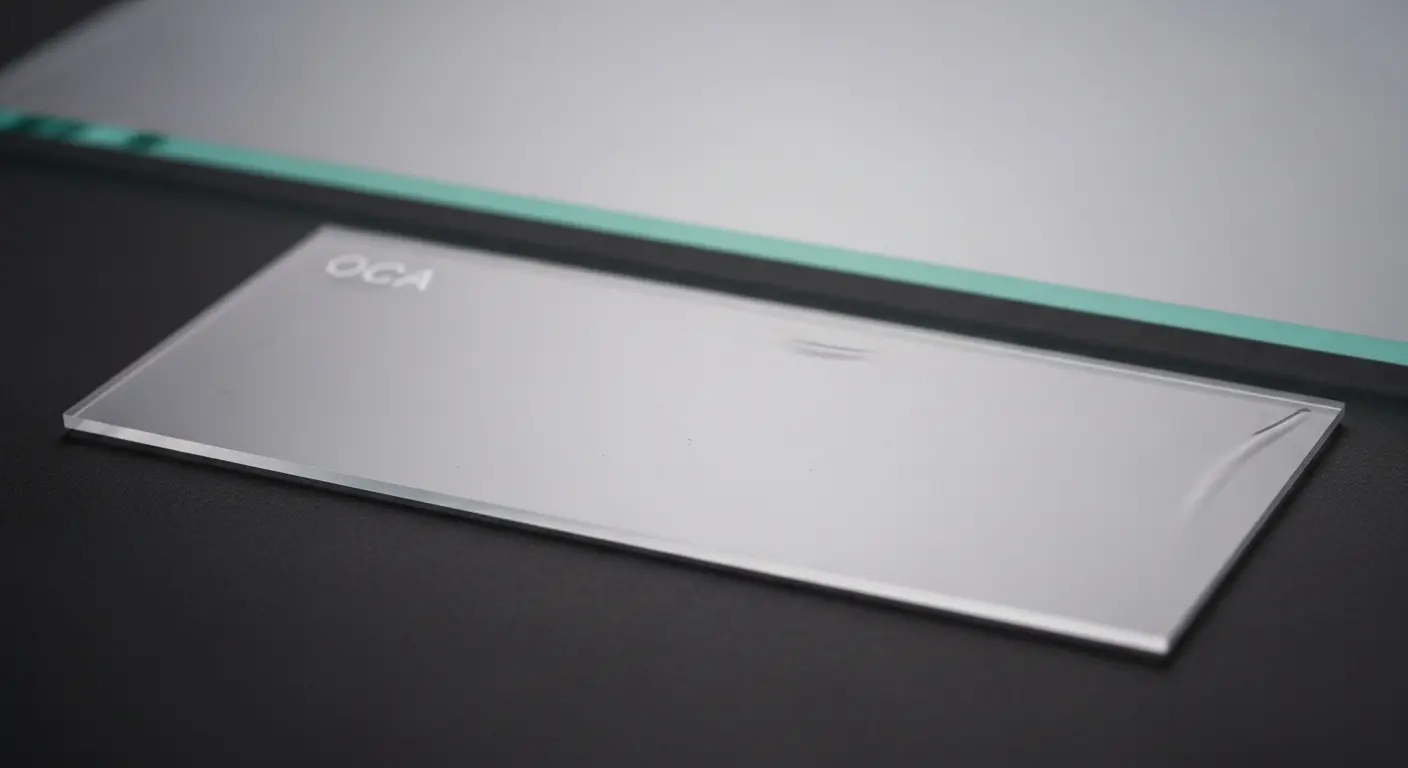
Tip: If your device will be used in a public setting, always choose capacitive. The plastic surface of a resistive screen will look "cloudy" within months due to micro-scratches from fingernails and cleaning supplies.
Can You Use a 15.6 Inch Touch Screen in Harsh Environments?
Yes, you can use a 15.6 inch capacitive touch screen in harsh environments by specifying custom glass treatments and specialized controller firmware. Features like Anti-Glare (AG), Anti-Reflection (AR), and waterproof tuning ensure the screen remains readable and responsive. Modern controllers can also be tuned to work through thick industrial gloves or in the presence of water droplets.
I once worked with a marine navigation company. Their screens faced direct sunlight and salt spray daily. By utilizing a custom capacitive touch screen with an AR coating and water-rejection firmware, we maintained perfect accuracy in the middle of a storm.
What are the Critical Specifications for a 15.6 Inch Panel?
Critical specifications include the controller IC (EETI or Ilitek), cover glass thickness, and surface hardness. You should look for a hardness rating of at least 6H or 7H. For industrial use, ensure the operating temperature range covers -20°C to +70°C. High-quality panels will also feature an optical bonding option to eliminate the air gap between the display and the touch sensor.
If you are scaling up to larger displays like a 21.5 inch touch screen, these same quality metrics apply. Consistency in your component choice across different sizes ensures a uniform user experience across your product line.
Technical Checklist for Buyers:
- Transparency: Should be >85% for vivid display.
- Interface: USB (HID) for ease of use.
- Glass Type: Chemically strengthened (Soda-lime or Gorilla glass).
- Touch Points: Support for 10 independent points.
How Do Surface Coatings Improve Visibility?
Surface coatings like Anti-Glare (AG) and Anti-Reflection (AR) improve visibility by scattering reflected light and increasing transparency. AG coating creates a matte finish that kills "hot spots" from overhead office lights. AR coating uses thin-film interference to let more light through the glass, which is essential for sunlight-readable displays. Anti-Fingerprint (AF) coatings also help by making the glass hydrophobic and easier to clean.
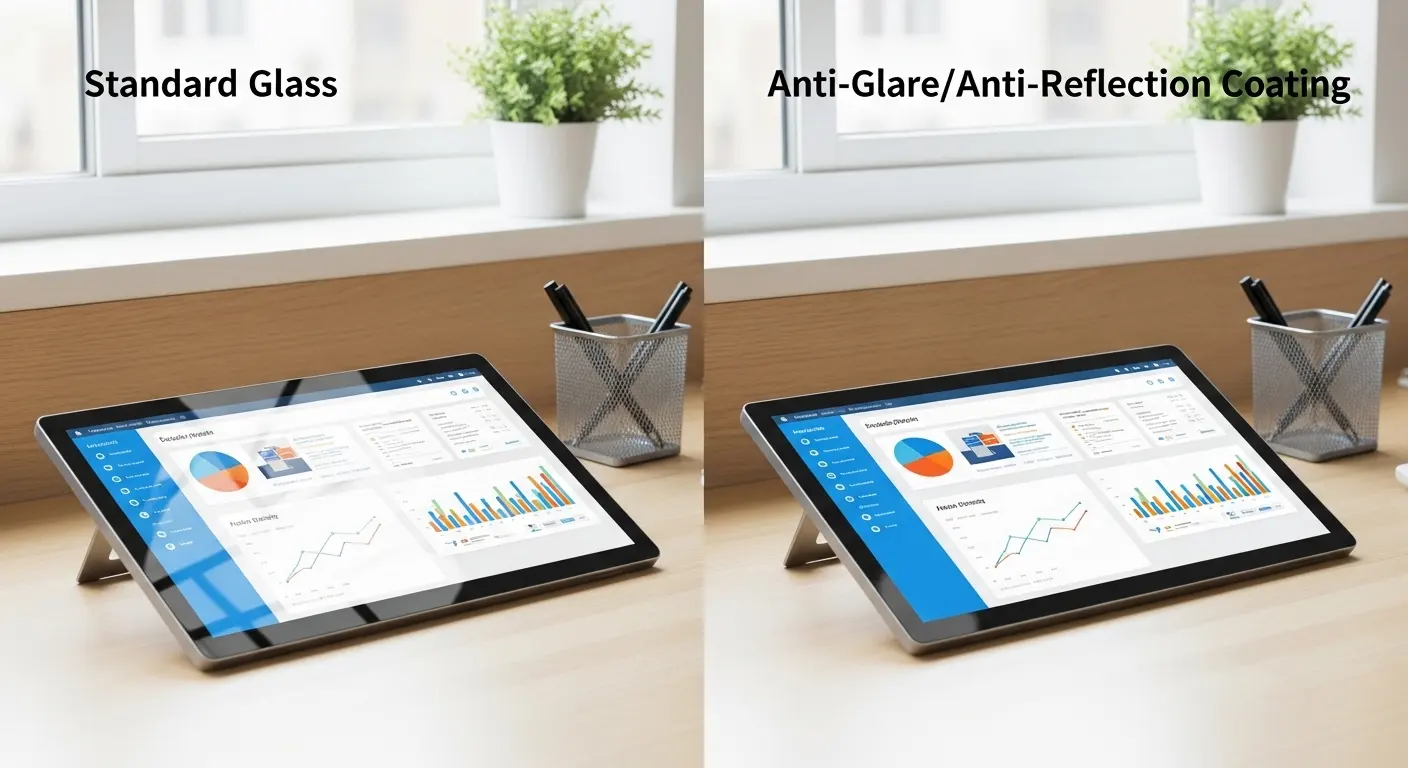
Tip: For medical applications, AF coating is non-negotiable. It prevents oils and smudges from obscuring critical patient data.
What is the Best Way to Mount a 15.6 Inch Touch Screen?
The best way to mount a 15.6 inch capacitive touch screen is through a flush-mount or open-frame configuration using VESA-compliant brackets. For a seamless look, many designers use a "zero-bezel" approach where the cover glass extends over the entire front of the enclosure. Proper mounting must ensure that the FPC (Flexible Printed Circuit) cable is not under tension and that the grounding is solid to prevent EMI issues.
Common Mounting Mistakes:
- Tight Bezels: If the metal frame presses against the glass, it can cause "ghost touches."
- Poor Grounding: A lack of common ground between the controller and the chassis can lead to jittery touch response.
- Cable Stress: Repeated vibration can loosen the USB or I2C connector if it is not secured.
How to Troubleshoot a 15.6 Inch USB Touch Screen?
To troubleshoot, first check the physical USB connection and verify if the device appears in your system's device manager as an HID-compliant touch screen. If the touch is erratic, check for electromagnetic interference (EMI) from nearby power supplies. Calibrating the screen through the Windows Tablet PC settings or the Linux xinput tool can resolve alignment issues where the cursor does not match the finger position.
Tip: If the screen works but is not responsive to multi-touch, ensure your software application supports the HID multi-touch protocol.
Why is Optical Bonding Essential for Premium Displays?
Optical bonding is essential because it eliminates the air gap between the touch sensor and the LCD using a clear optical resin. This process reduces internal reflections, increases contrast by up to 400%, and significantly improves impact resistance. It also prevents internal condensation (fogging) in high-humidity environments, making it a requirement for outdoor or medical-grade equipment.
When a device moves from a cold warehouse to a warm office, a standard "air-bonded" screen will often fog up inside. I’ve seen this happen to dozens of field-testing units. Moving to a bonded 15.6 inch touch screen solved this permanently for my clients.
Related Topics

Industrial Touch Display Technology Trends in the Era of Industry 4.0
Aug-07-2026

Touch Panel Selection Guide for Industrial, Outdoor, and Commercial Applications
Aug-07-2026

How to Choose the Right Touch Display Solution for Your Project
Aug-07-2026

How to Choose an Industrial Capacitive Touch Screen: 2026 Guide
Aug-07-2026
Get a Free Quote
✔ 16 Years Manufacture Service ★★★★★
✔ 3 Technical Experts And 52+ Project Engineers Will Assiste You
✔ Wanty Employs Over 52 Engineers, Many Of Whom Come From Leading Tft Lcd Module Companies Such As Tianma And Boe-Varitronix. Each Core Team Member Brings 15 Years Of Industry Experience.
✔ If you would like more information about our products and services, please contact us. Whether you need a standard solution or a customized one, we are here to meet your needs.
✔ Please complete the form below, and the selected location will contact you promptly. Thank you for visiting, and have a great day!
